Make loan payments easily.
Pay your loan the easiest way – with MessagePay.
Instead of logging in to Online Banking, opening our app, or stopping by a branch, you can manage payments right from your text messages. Receive personalized loan reminders and reply “YES” to make a payment instantly. No passwords, no app, no hassle.
Step 1
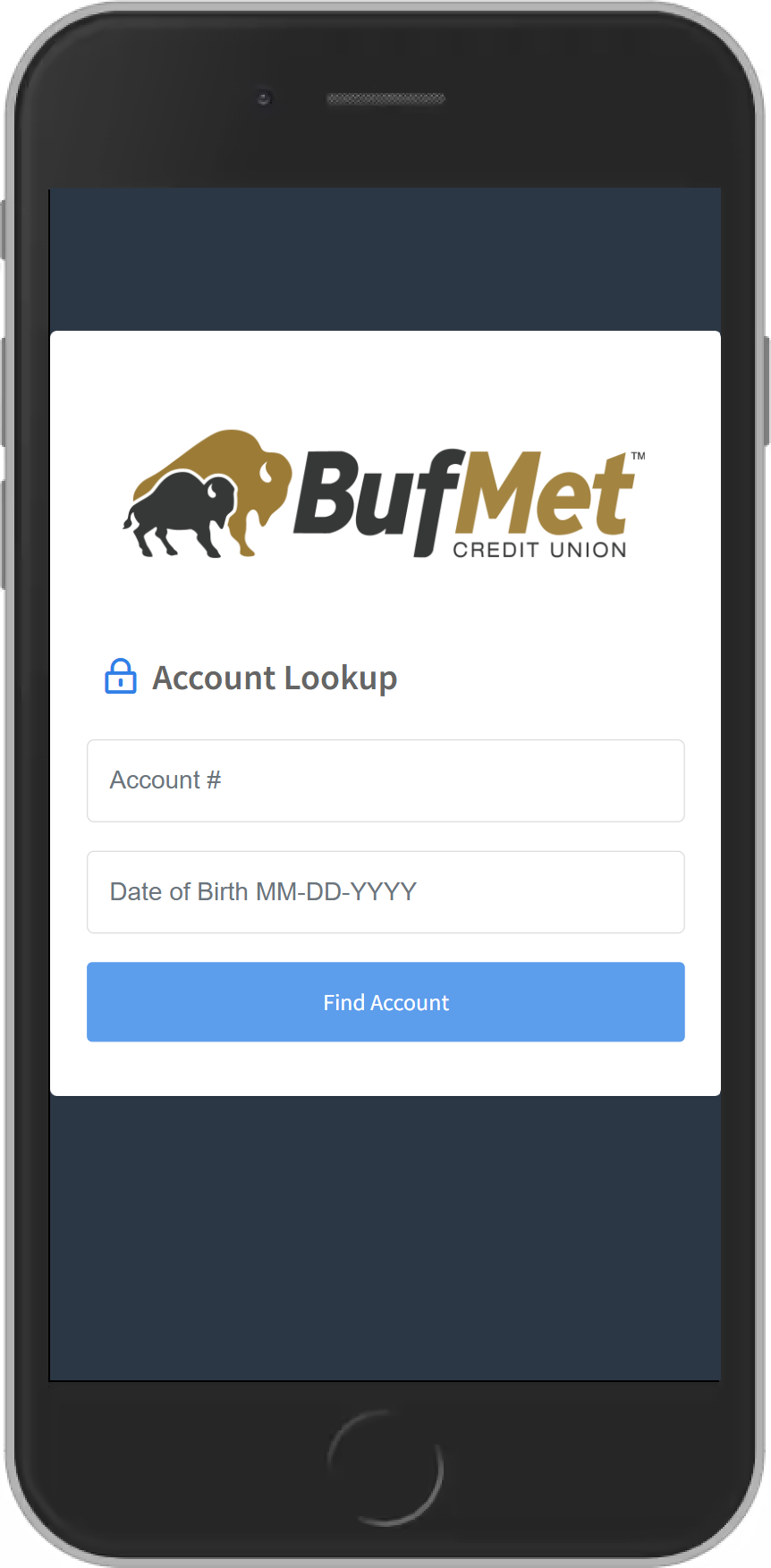
Enter Your Credentials
Step 2
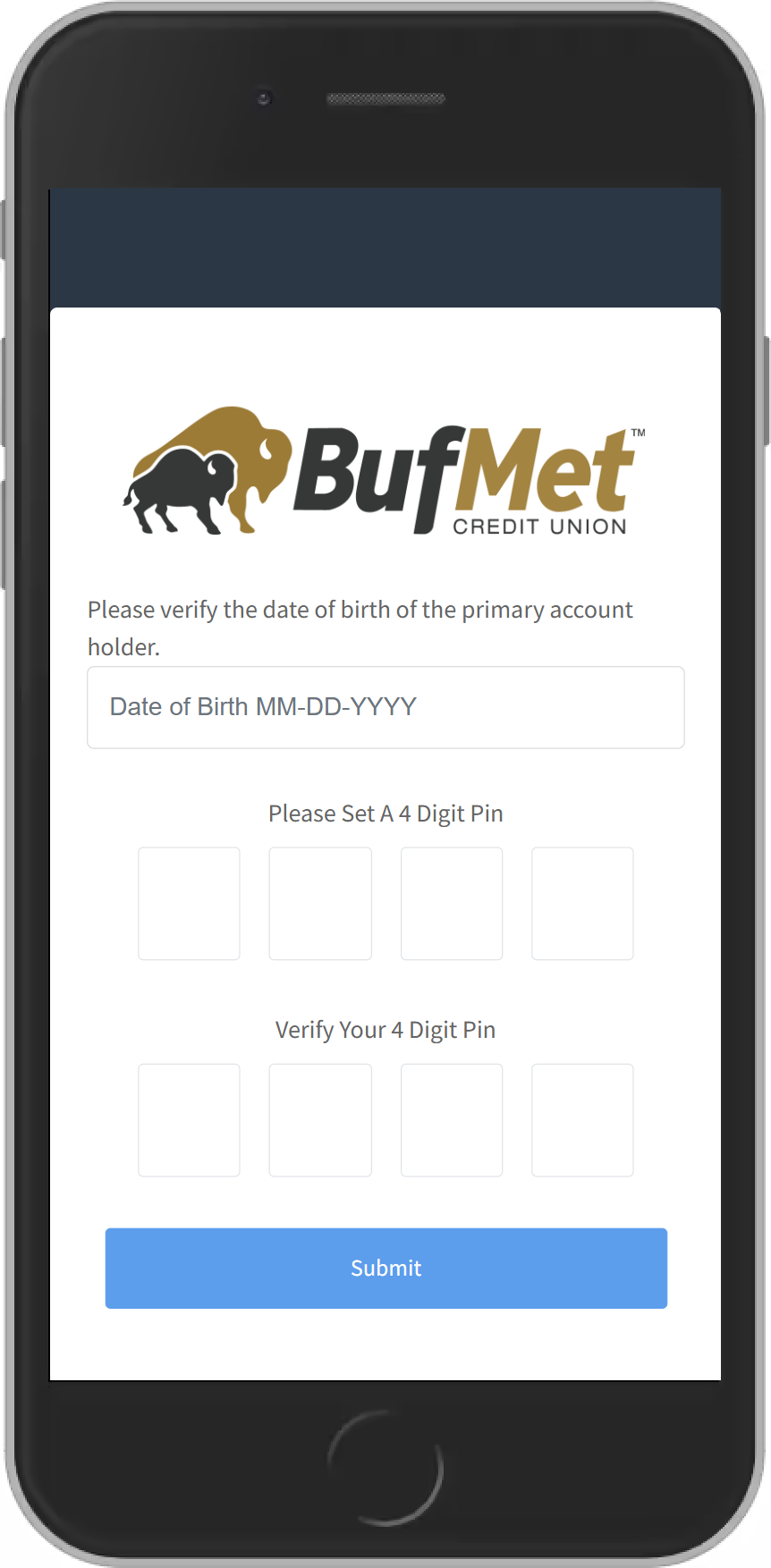
Set Up Your PIN
Step 3
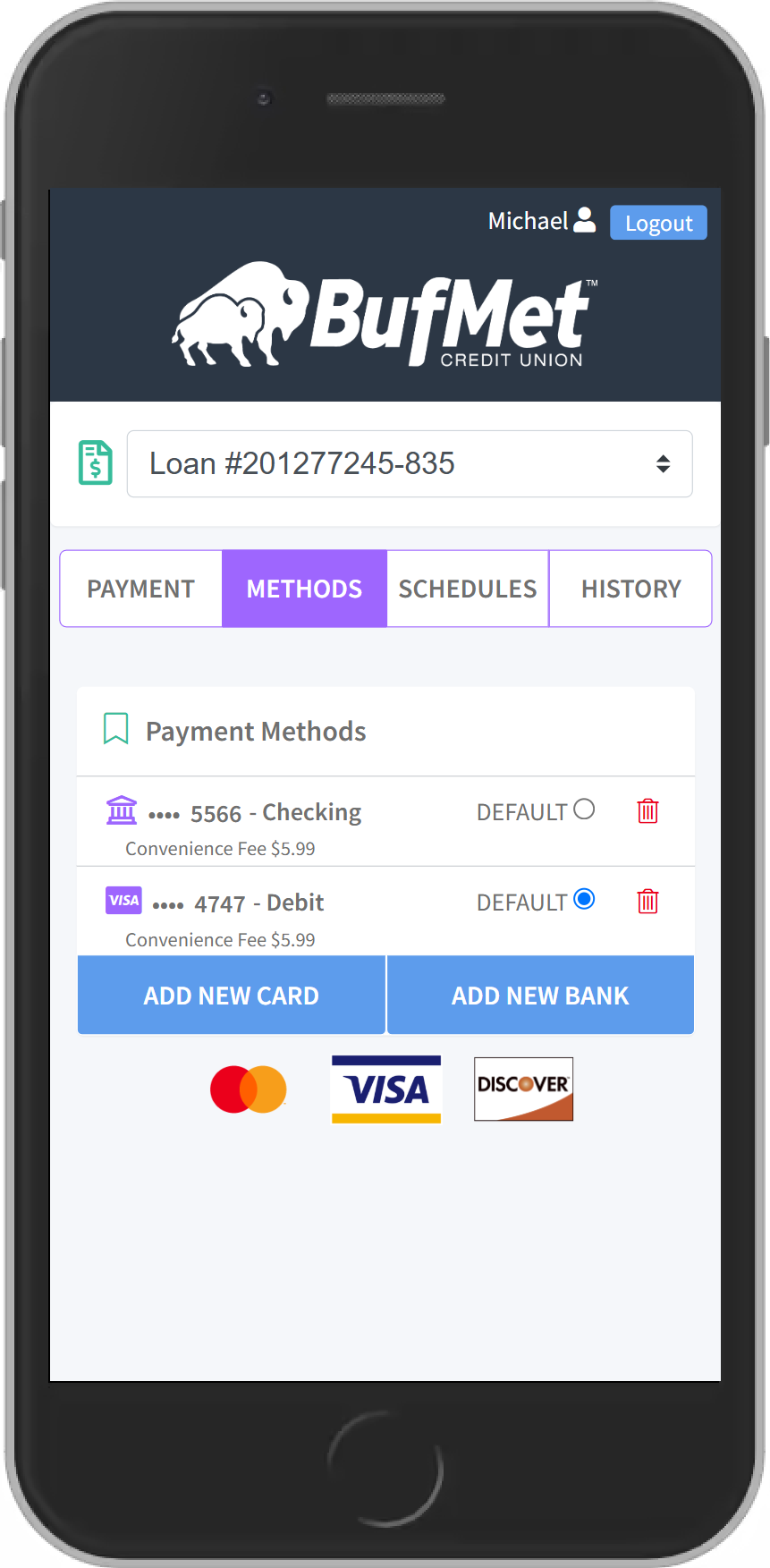
Enter Your Payment Method
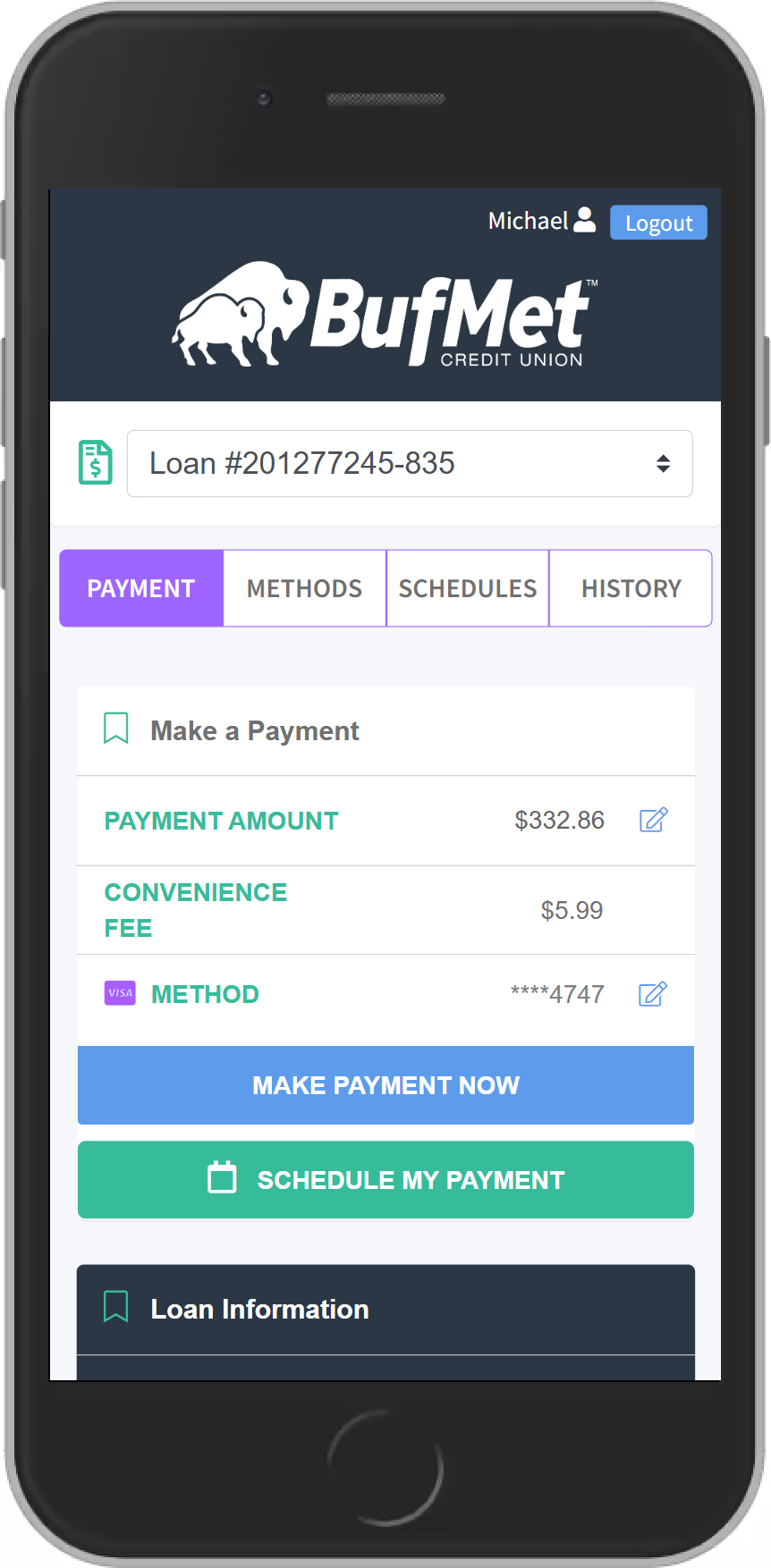
Step 4
Make a Payment – Easily
What to Know
- You will receive a text message informing you of the amount due on your loan. You will be able to review your payment options or you will be able to opt out of our text message service by texting “STOP”.
- The link will take you to a portal where you will be asked to verify your account with your account number and date of birth.
- When you verify your account for the first time, you will have to setup the following:
- 4 digit pin: once you have entered your account number and date of birth, it will prompt you to create a 4 digit pin. Store this information in a secure place as you will need this pin number to verify future payments.
- Preferred method of payment: to make a payment you will have to add your preferred form of payment in the portal. You can do this by selecting ADD NEW DEBIT CARD or ADD NEW BANK ACCOUNT which will prompt a secure website for you to input your information. If done correctly, there will be a message stating ‘Payment Method Success’ and you will be redirected to the payment portal.
- Once your account has been successfully verified, you will be directed to the payment portal where you’ll be able to see all of your loans and will also be able to select your preferred payment method.
Frequently Asked Questions
- Do I have to download an app? No! The great thing about Message Pay is that it’s completely app-free, so less gets in the way of you and your payments.
- Can I still pay my loans the usual ways? Yes! We offer Message Pay as a quick, convenient option for members to pay on their loan without having to log in, but you can still pay your loan through Online Banking, at the teller line, in our drive through – whichever way works for you!
- How does it work? After you set up Message Pay, you will receive periodic text reminders straight to your phone when your next loan payment date is near. You can then respond with a single text to make a payment, enter your PIN, and then the funds will automatically be applied to your loan using the payment method you previously configured.
Member Benefits
- The fee for ACH transactions (taken directly from a checking account) and debit card transactions is $5.99.
- Encrypted information guarantees your information is secure
- Convenient ways to pay from an external account: text, website, online/mobile banking
- Payments are accepted from checking accounts, savings accounts and debit cards
Important Information
By opting in to use Message Pay, you consent to receive automated text messages from (716) 842-1439. These messages may include payment reminders sent 5 days before your loan due date, overdue notices, pay-by-text alerts, and similar notifications.
Messages sent from this number are legitimate. However, if you receive a similar-looking message from a different phone number, please disregard or block it, as it may not be genuine.
Below are examples of legitimate messages members may encounter while using Message Pay.
Initial notification:
-
- “Hello (Member name), you have a payment of $200.00 due on your BufMet account. Click below to review your payment options or send STOP to opt out. (Link to payment portal)”
Overdue initial notification:
-
- “Hello (Member name), Your BufMet account had a payment due on 4/25/2020. Please pay now to avoid late fees. Click below to review your payment options or send STOP to opt out. (Link to payment portal)”
Pay by text notification:
-
- “Hello (Member name), you have a payment due on your BufMet account. Reply “Pay” to pay $200.00 for account ****-178 due 05/25/2020. A convenience fee of $5.99 will be applied. Reply “M” for more options. Or ‘STOP’ to opt out.”
Pay by text notification (multiple loans):
-
- “Hello (Member name), you have a payment due on your BufMet account. Reply “Pay 1” to pay $200.00 for ****-178 due 05/25/2020. Reply “Pay 2” to pay $290.00 on your 2013 JEEP due 05/16/2020. Reply “Pay 3” to pay $163.00 on your 2017 FORD due 06/15/2020. A convenience fee of $5.99 will be applied. IF ON AUTOPAY, DISREGARD. Reply “M” for more options. Or ‘STOP’ to opt out”
Overdue pay by text notification:
-
- “Hello (Member name), you have an overdue payment on your BufMet account. Reply “Pay” to pay $200.00 for account ****-178 due 04/25/2020. A convenience fee of D will be applied. Reply “M” for more options. Or ‘STOP’ to STOP”
Text payment confirmation:
-
- “Thank you, (Member name). A $204.95 payment has been applied to your BufMet account. Confirmation #0000018472” “M” for more options response:
-
- ‘P’ or ‘Pay’: Pay Current balance. ‘B’ or ‘Balance’: What is my balance? ‘V’ or ‘View’: View or change payment source. ‘Stop’: Stop notifications